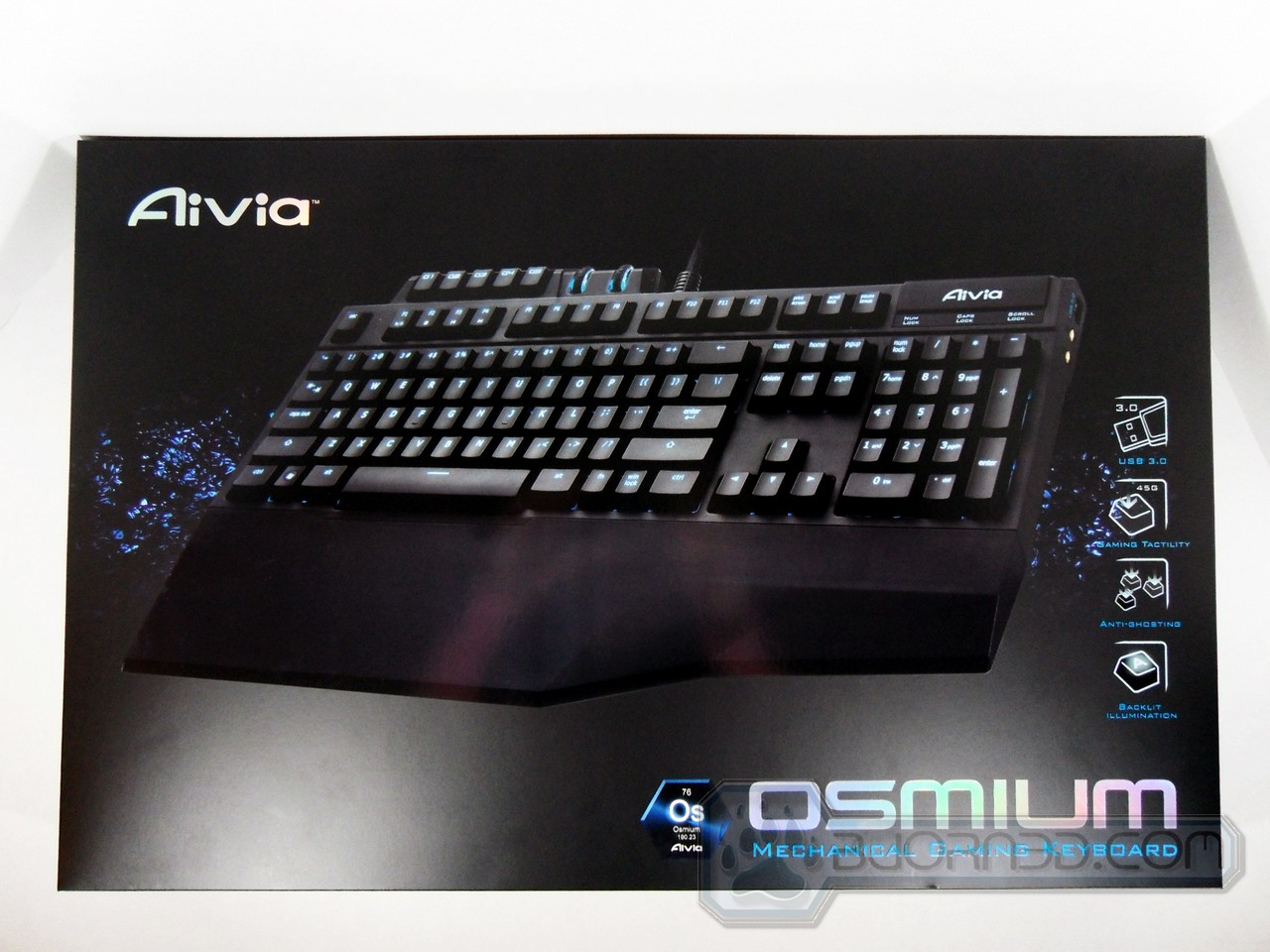
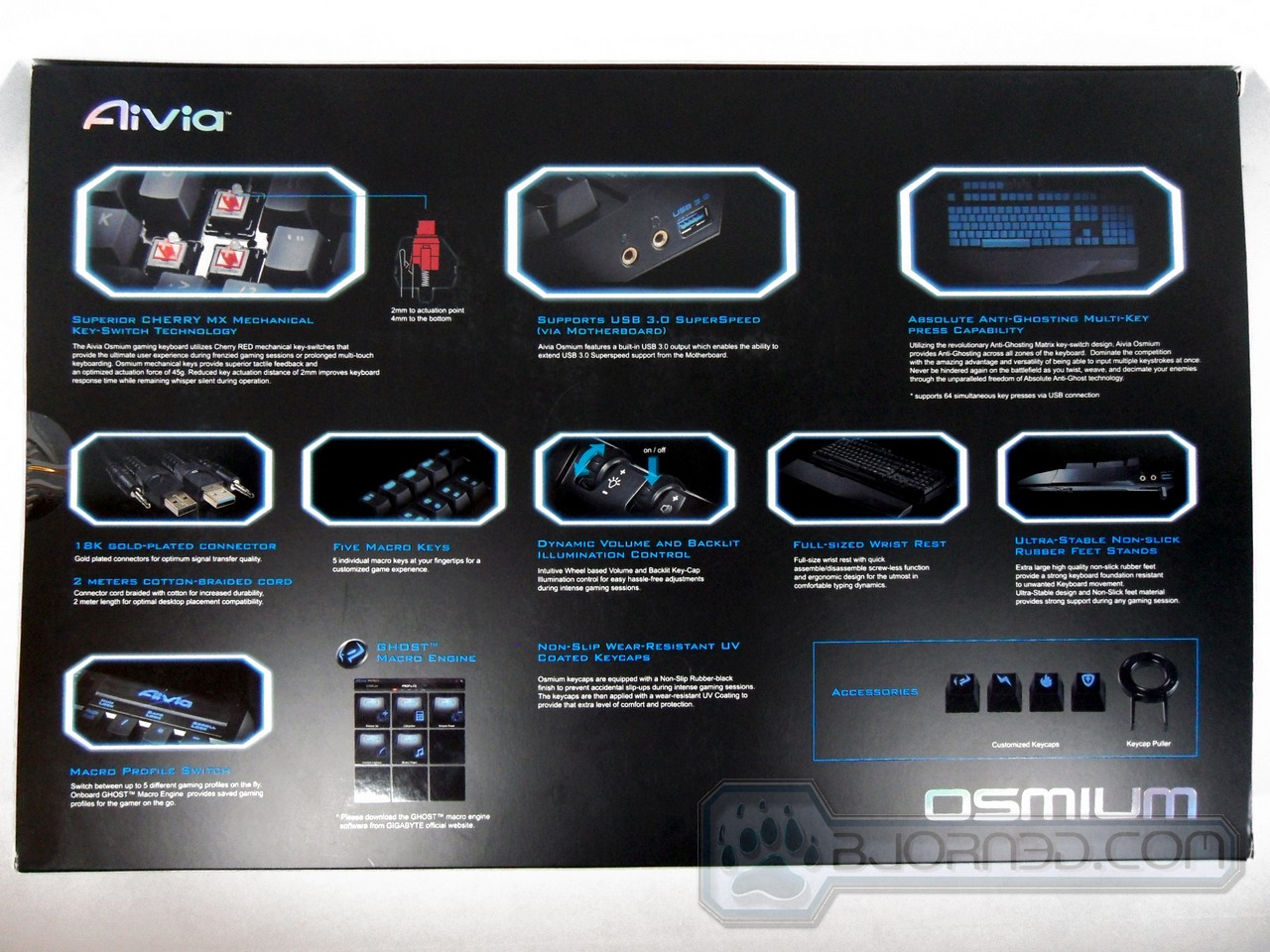
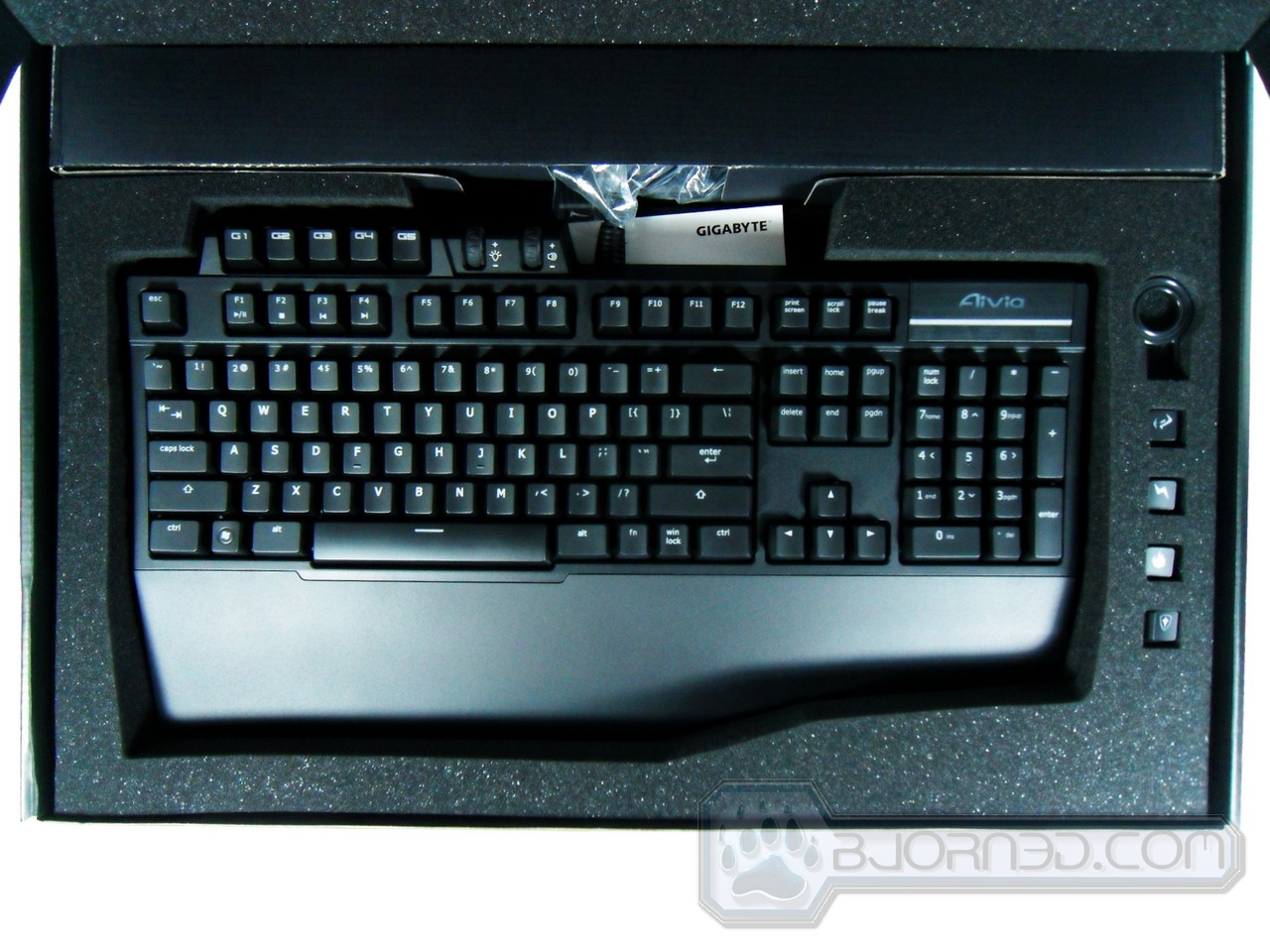
| Specifications | Gigabyte Aivia Osmium |
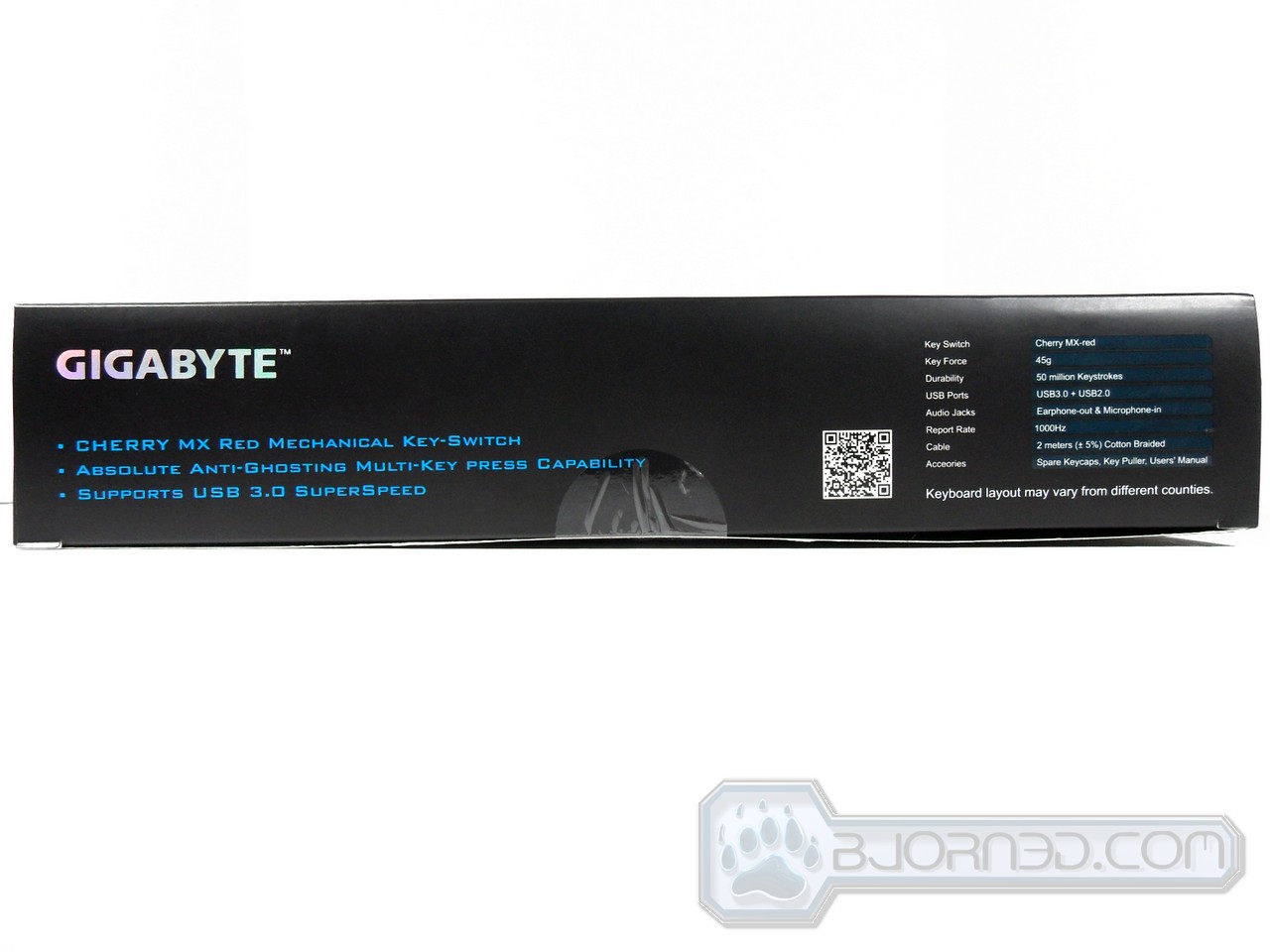
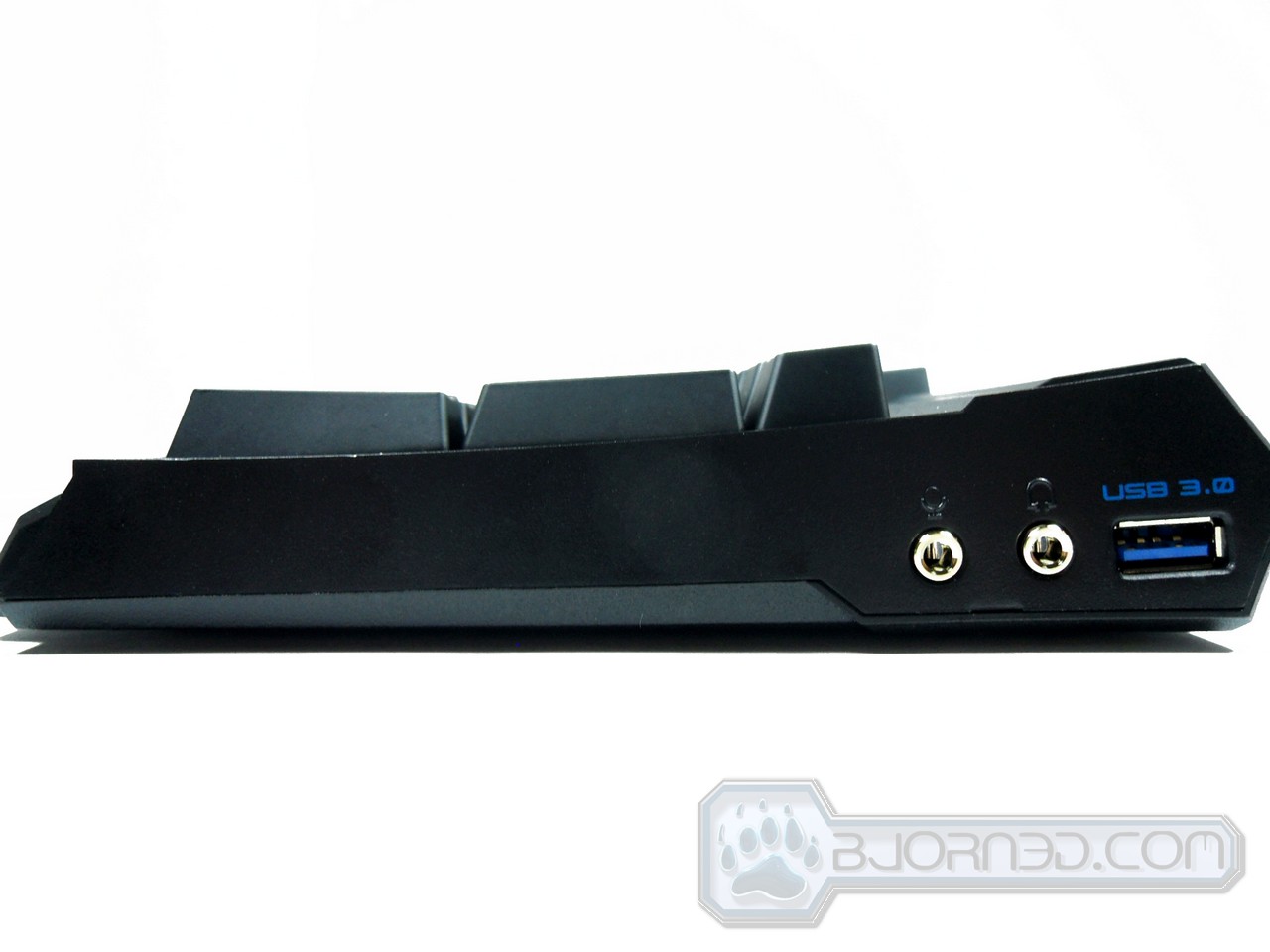
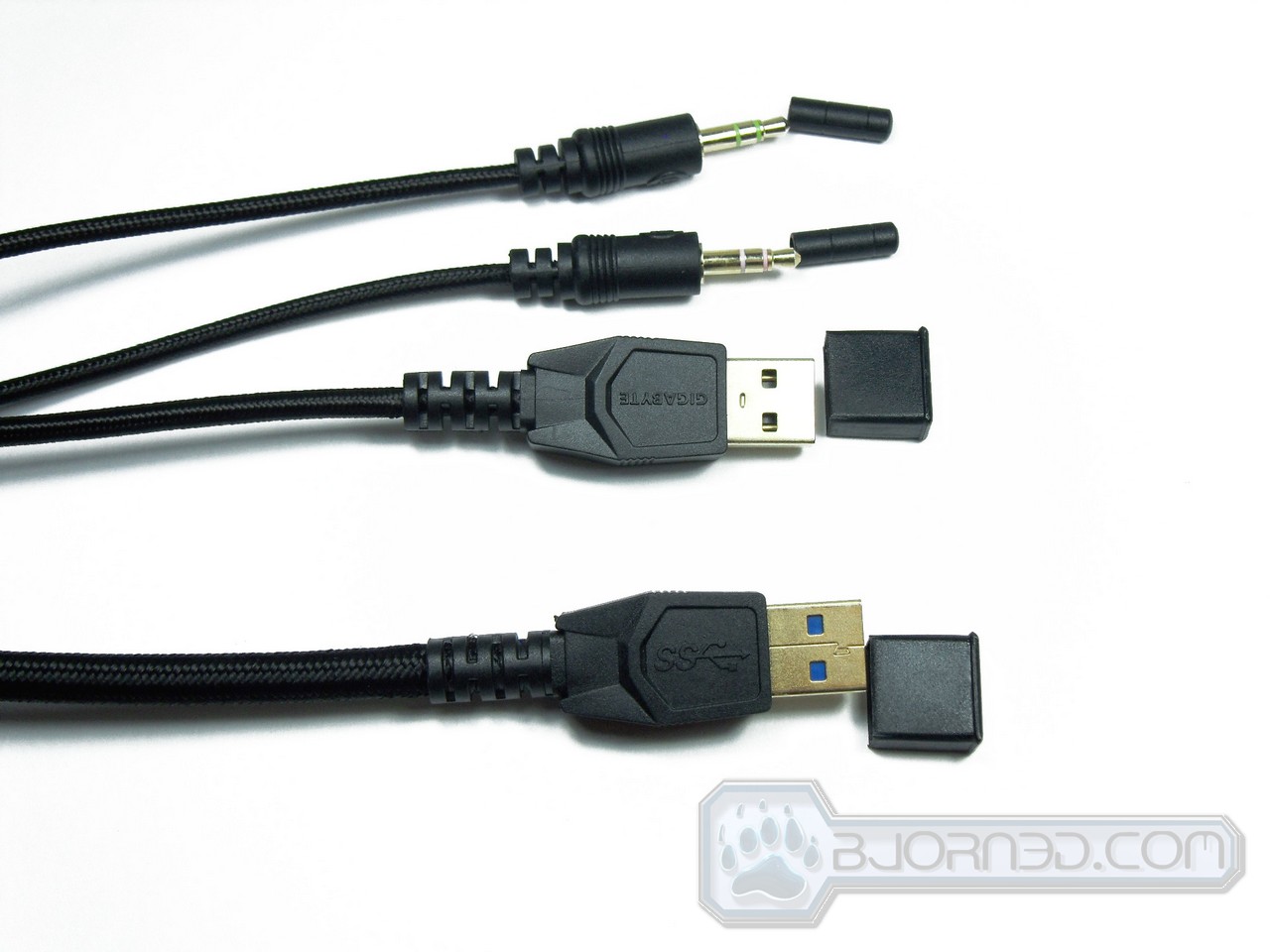
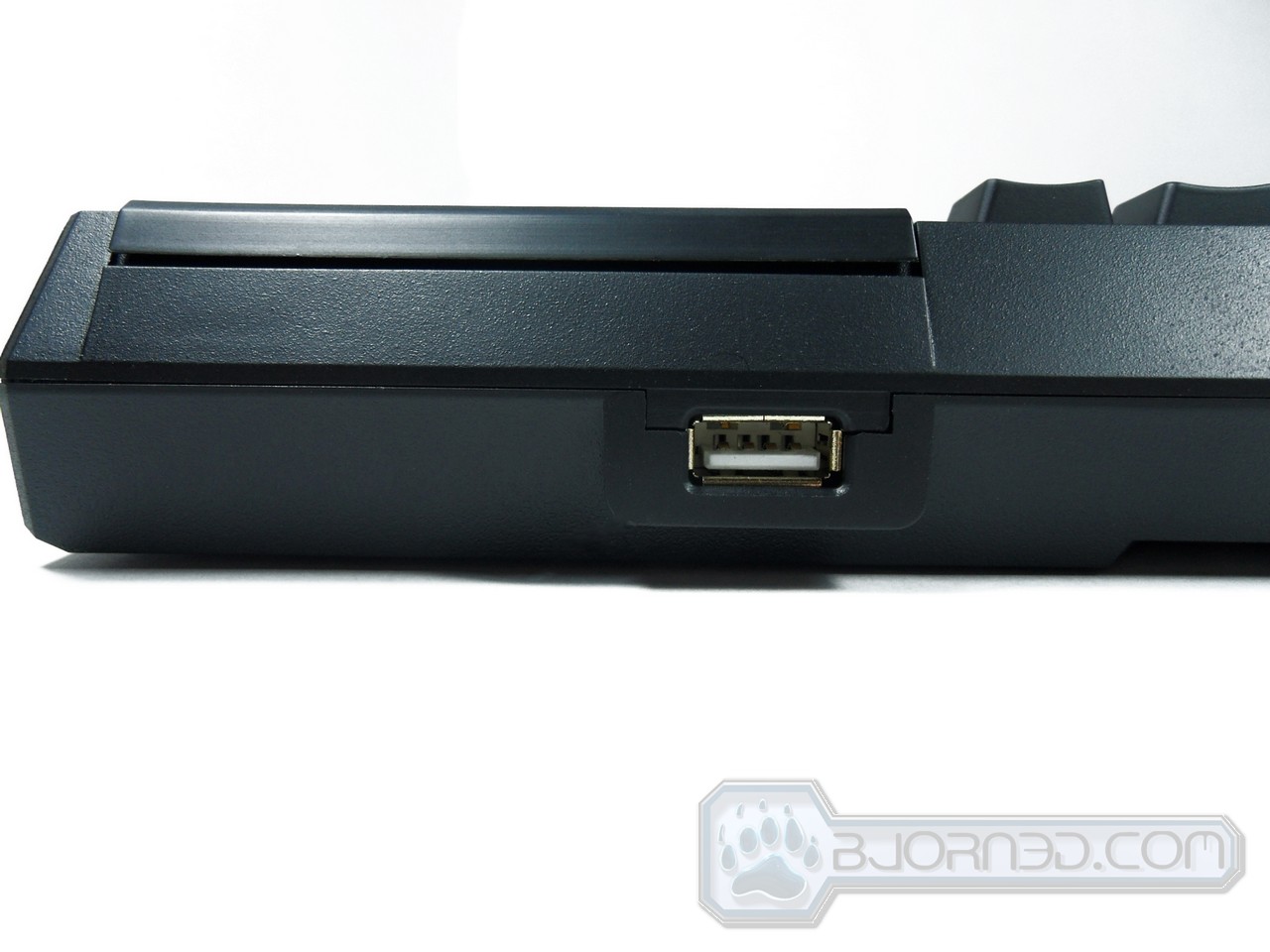
| Interface | USB 2.0 + USB 3.0 |
| Activation | Cherry Red Mechanical Switch |
| Switch Life | 50 million times |
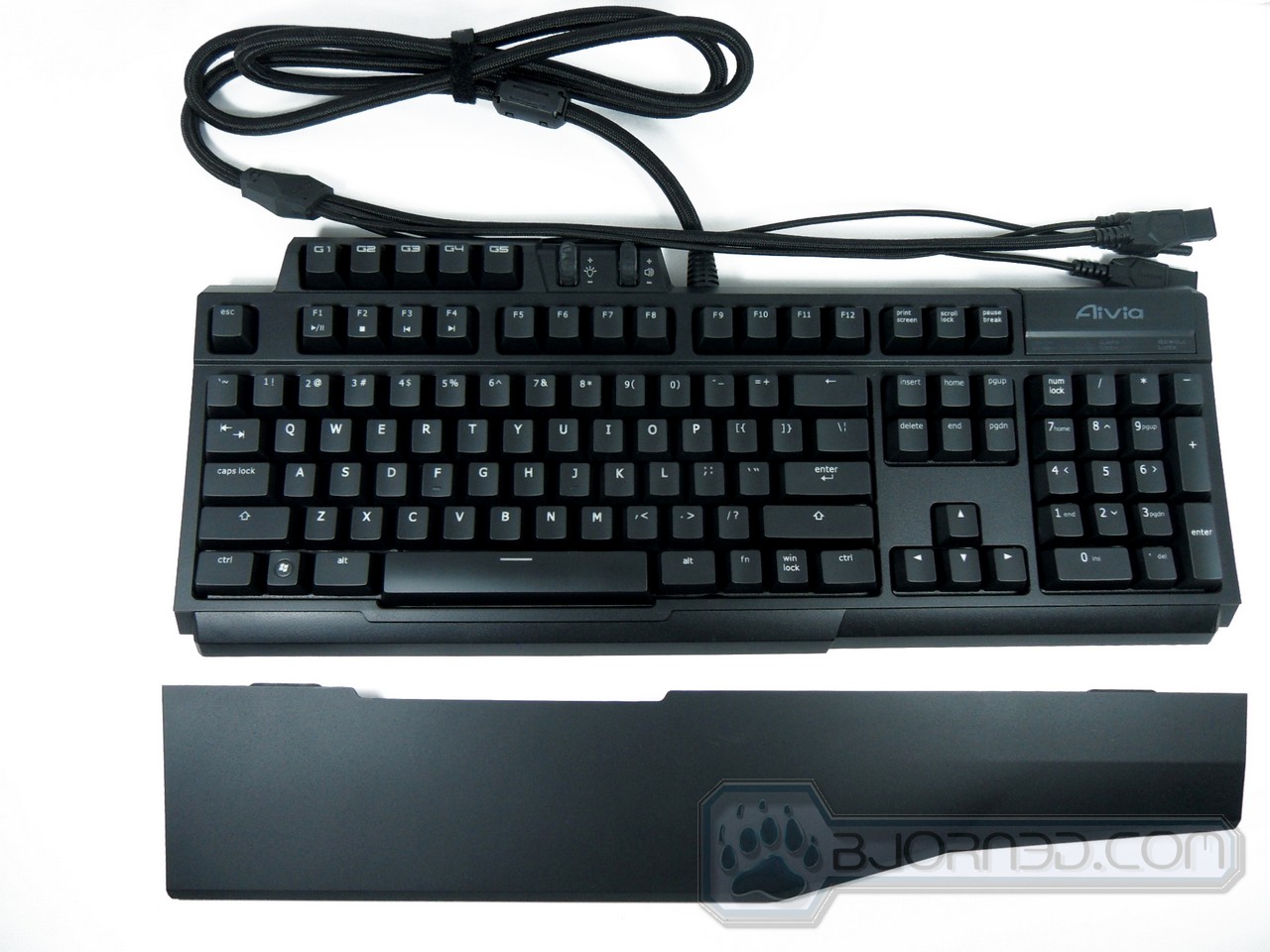
| Key Profile | Standard |
| Activation Distance | 2mm to actuation point |
| Cable Length | 6.5 feet |
| Dimension | 18 in(L) X 10 in(W) X 2 in(H) |
| Support OS | Windows XP/ Vista/ Windows 7 |
| Peak Force | 45G |
| Audio | Microphone-in/ Earphone-out
|
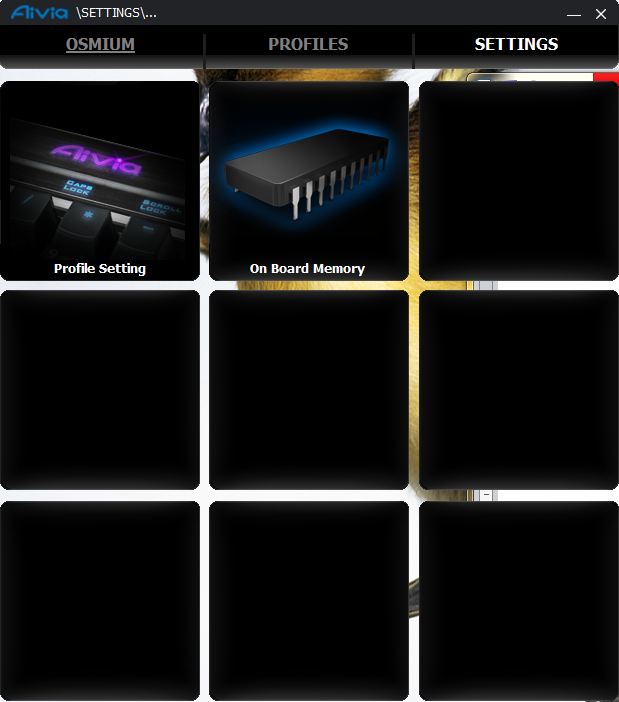
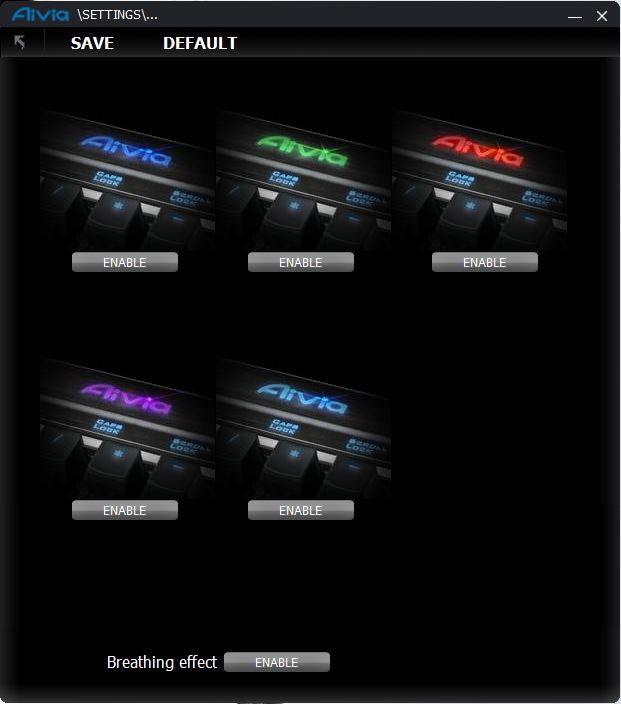
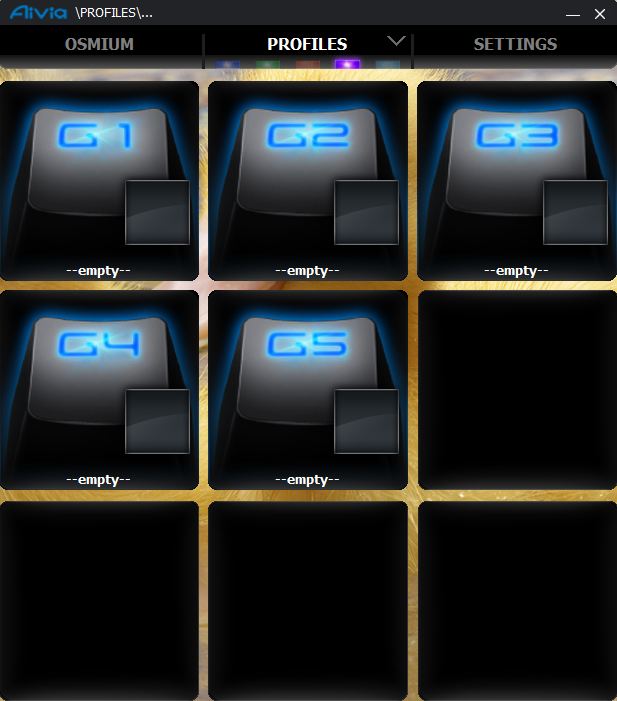
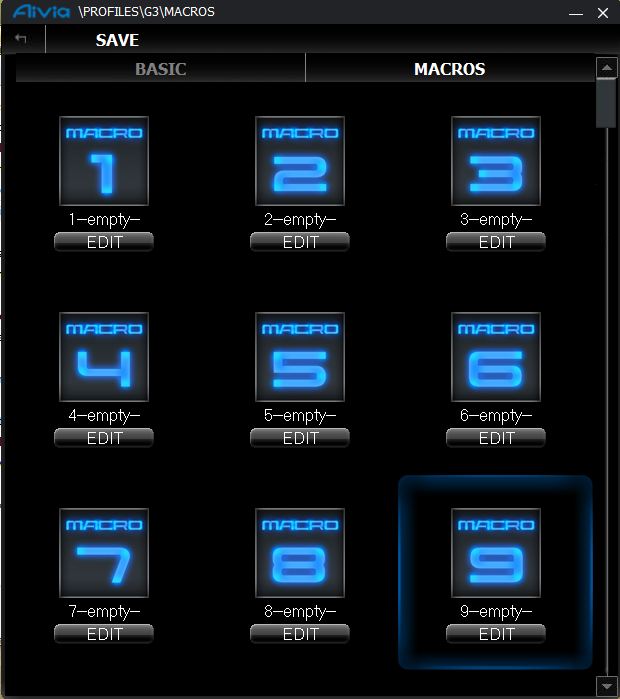
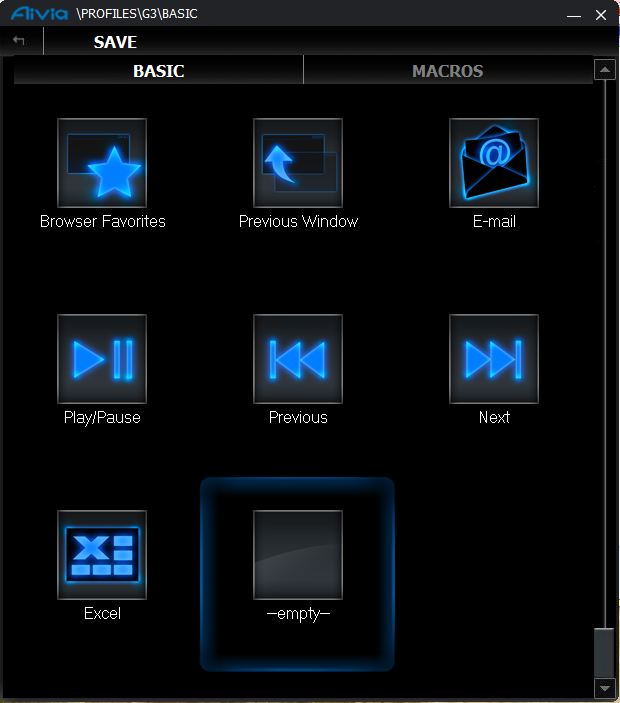
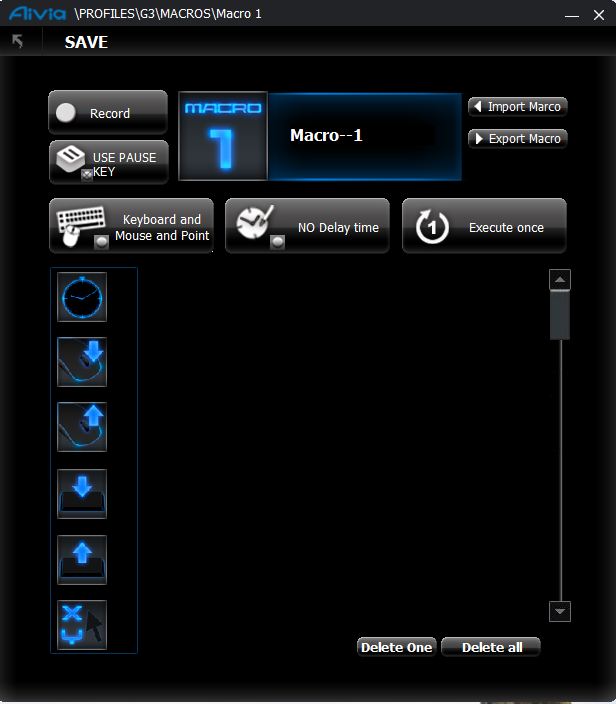
Software
Testing Methodology
| Test Rig |
| Case | Windows 7 Home 64 bit |
| CPUs | Intel i7 2600k @ 3.4Ghz |
| Motherboard | MSI P67A-G43 |
| Ram | Patriot Gseries DDR3 1600MHz 4GB |
| GPU | Nvidia GeForce GT 220 1GB GDDR3 |
| Monitor | Asus VK222H 1680 x 1050
|
| OUR VERDICT: Gigabyte Aivia Osmium |
| Performance | 7 | | Value | 8 | | Quality | 9 | | Features | 10 | | Innovation | 9 |
We are using a new addition to our scoring system to provide additional feedback beyond a flat score. Please note that the final score isn’t an aggregate average of the new rating system. |
- Fun to type on
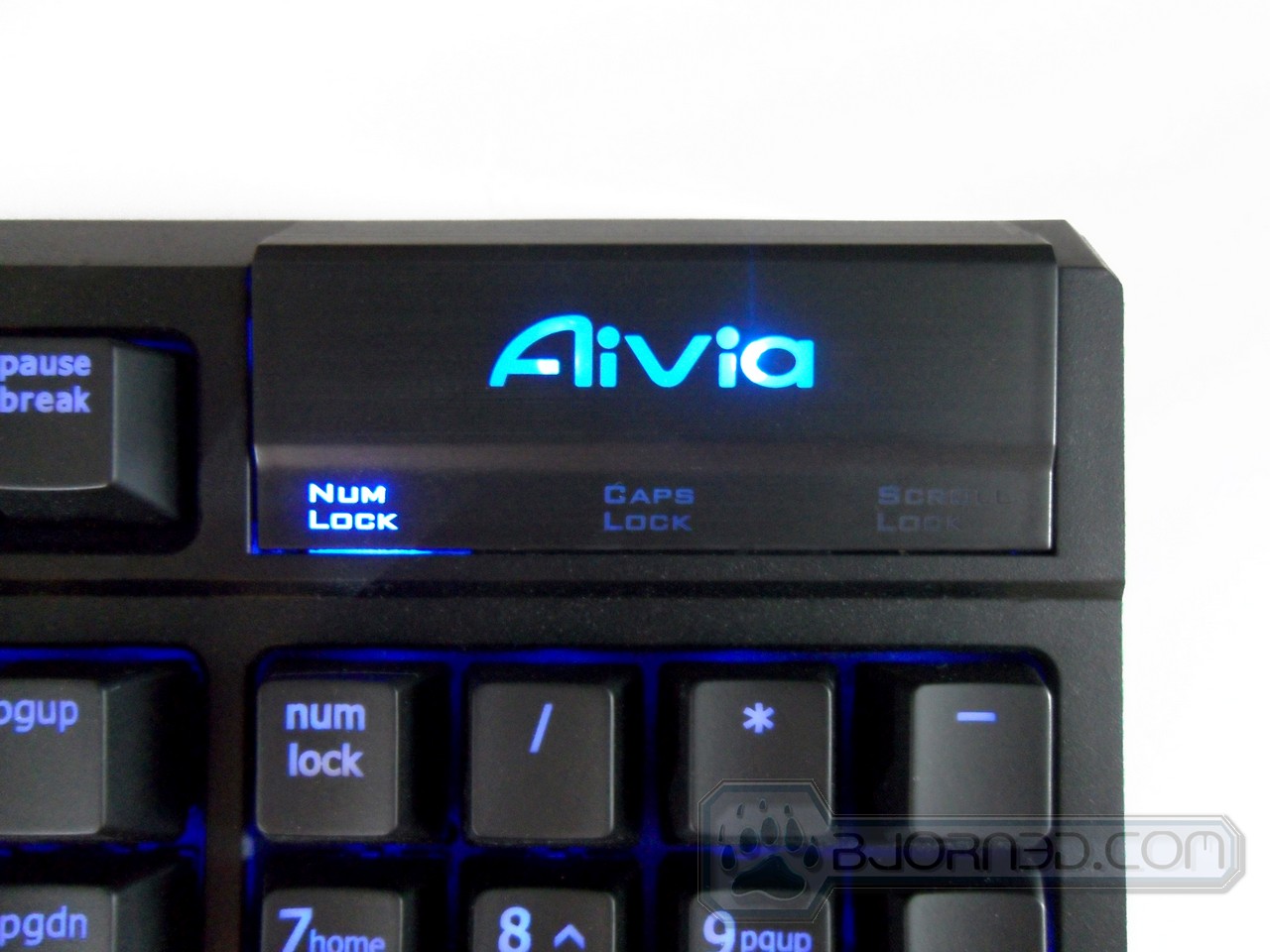
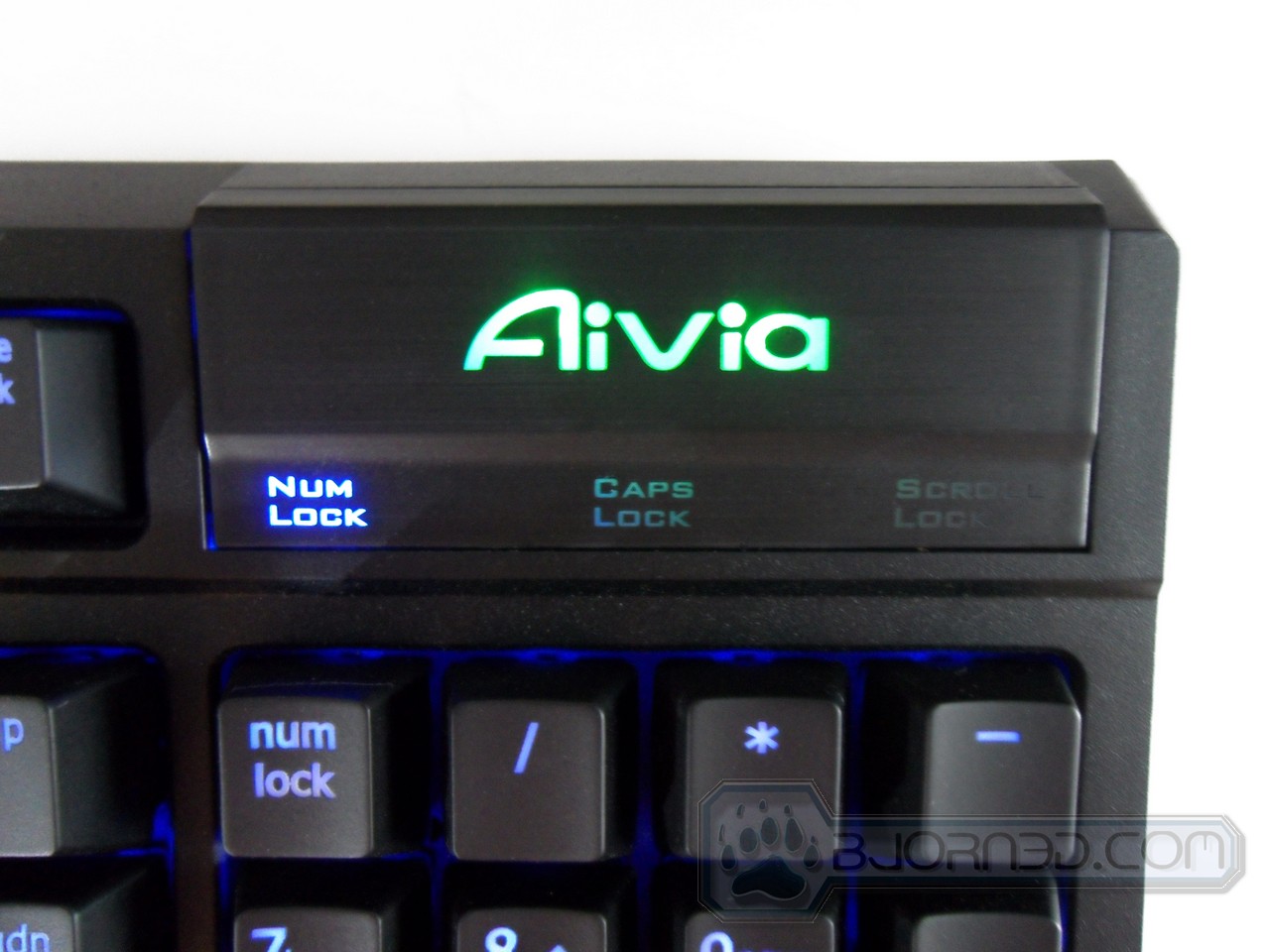
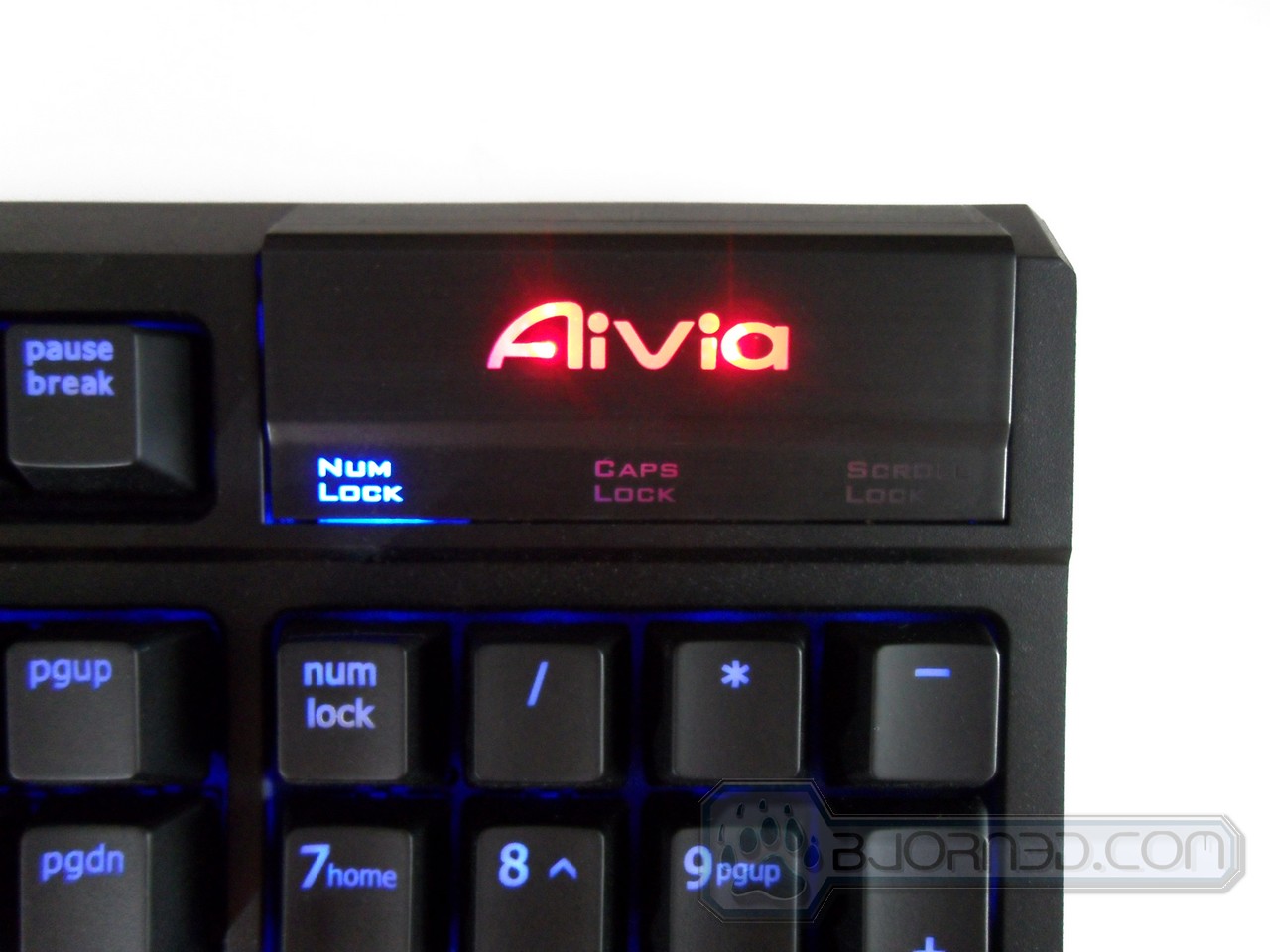
- Buttons to adjust the brightness of the LEDS and also to switch to different macro profiles on the keyboard itself
- Very aesthetically pleasing
- Weight kept it from sliding around
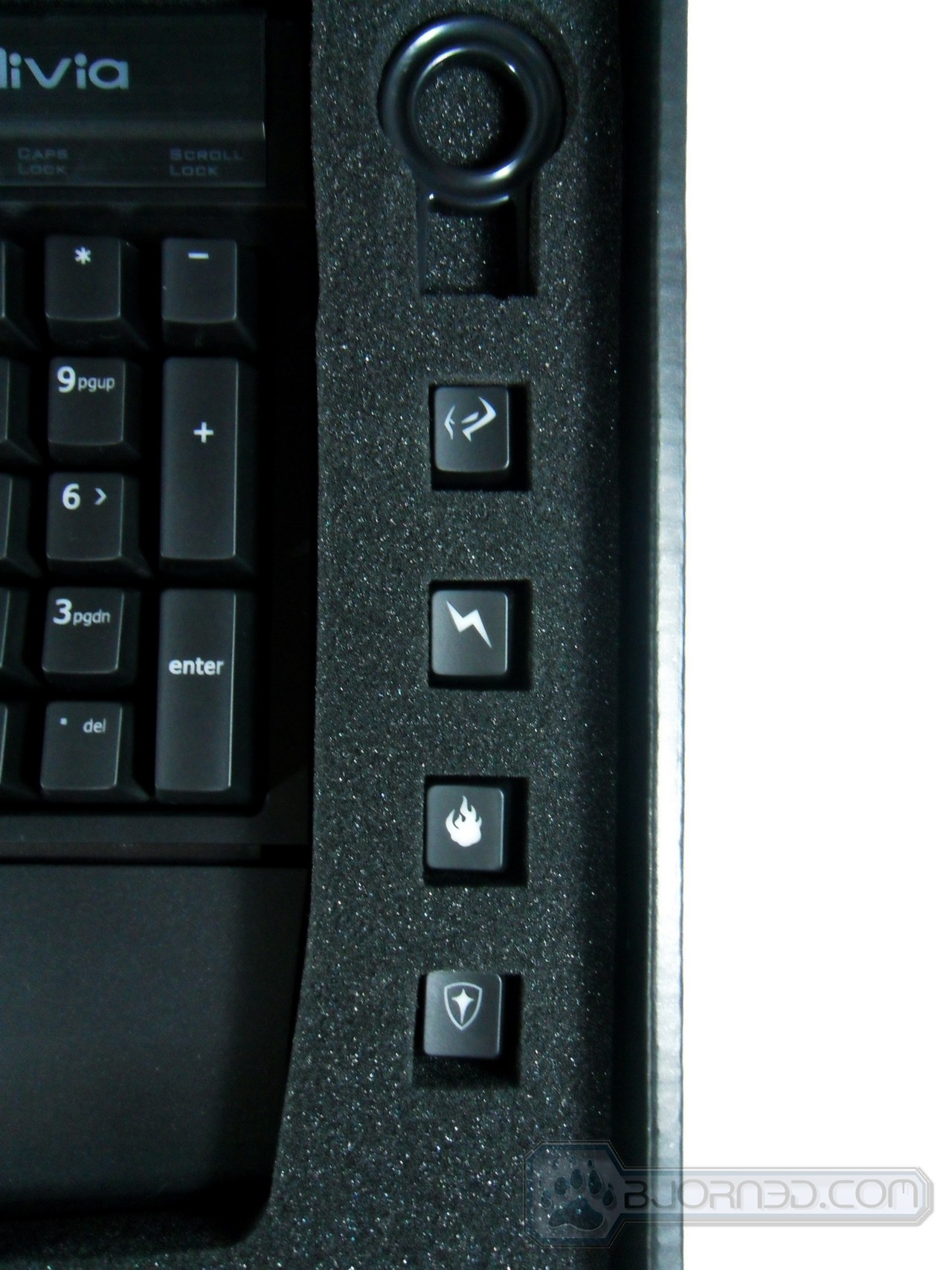
- Changeable keys in order to remember the different macros
- Macro settings are very detailed
| - Macro keys too far
- Easy to make typos
- Keys stuck once in awhile
- Gets dirty easy
|
| 
|
|
http://www.bjorn3d.com/2012/12/gigabyte-aivia-osmium/


 후래쉬마린
후래쉬마린